Simple to use.Built for builders.
You're pricing the next job while last month's invoices, plant hire and site paperwork are still catching up with you. STU runs the lot in one place, from first tender to final account.
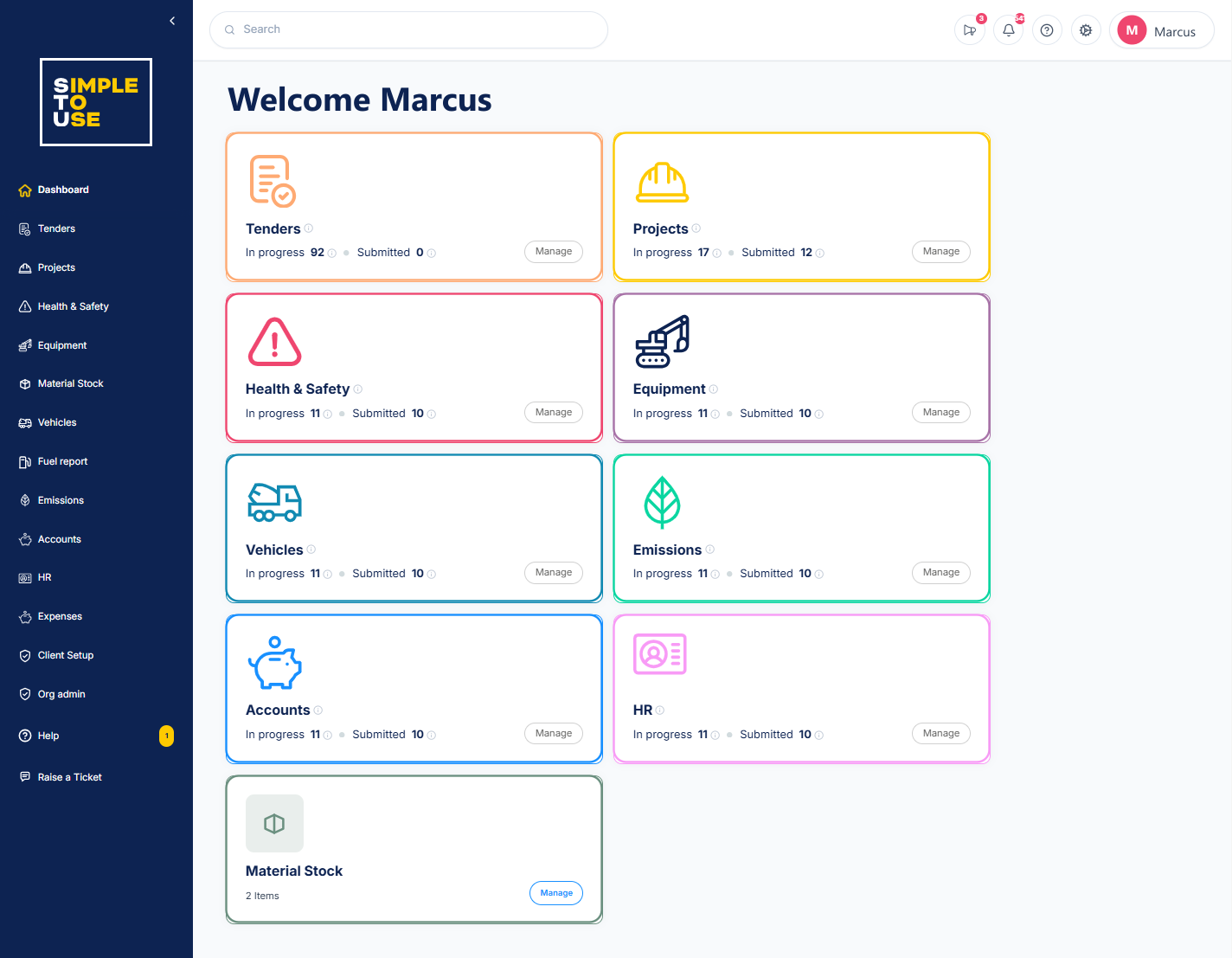
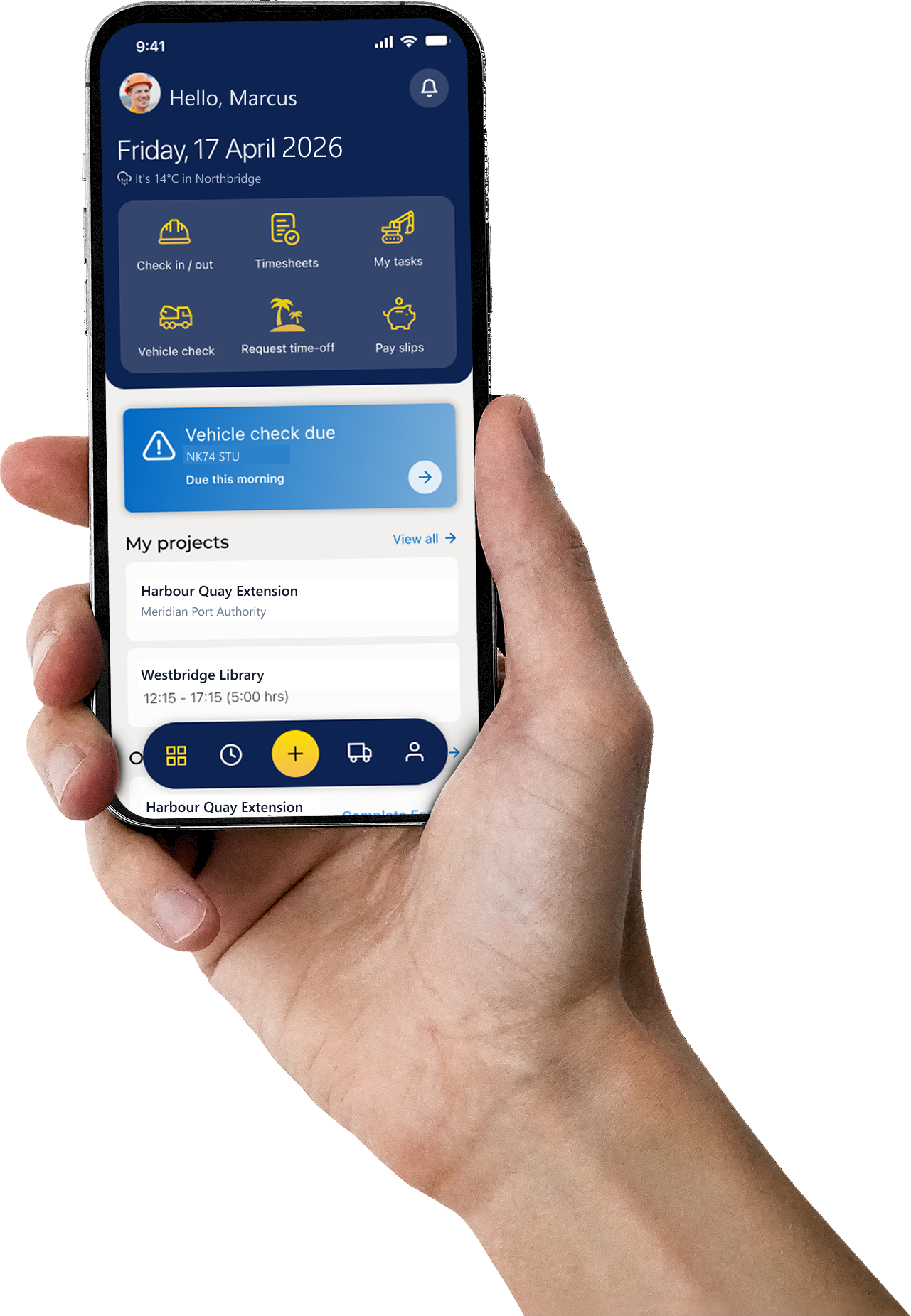
Win the job, then run it without re-typing a thing
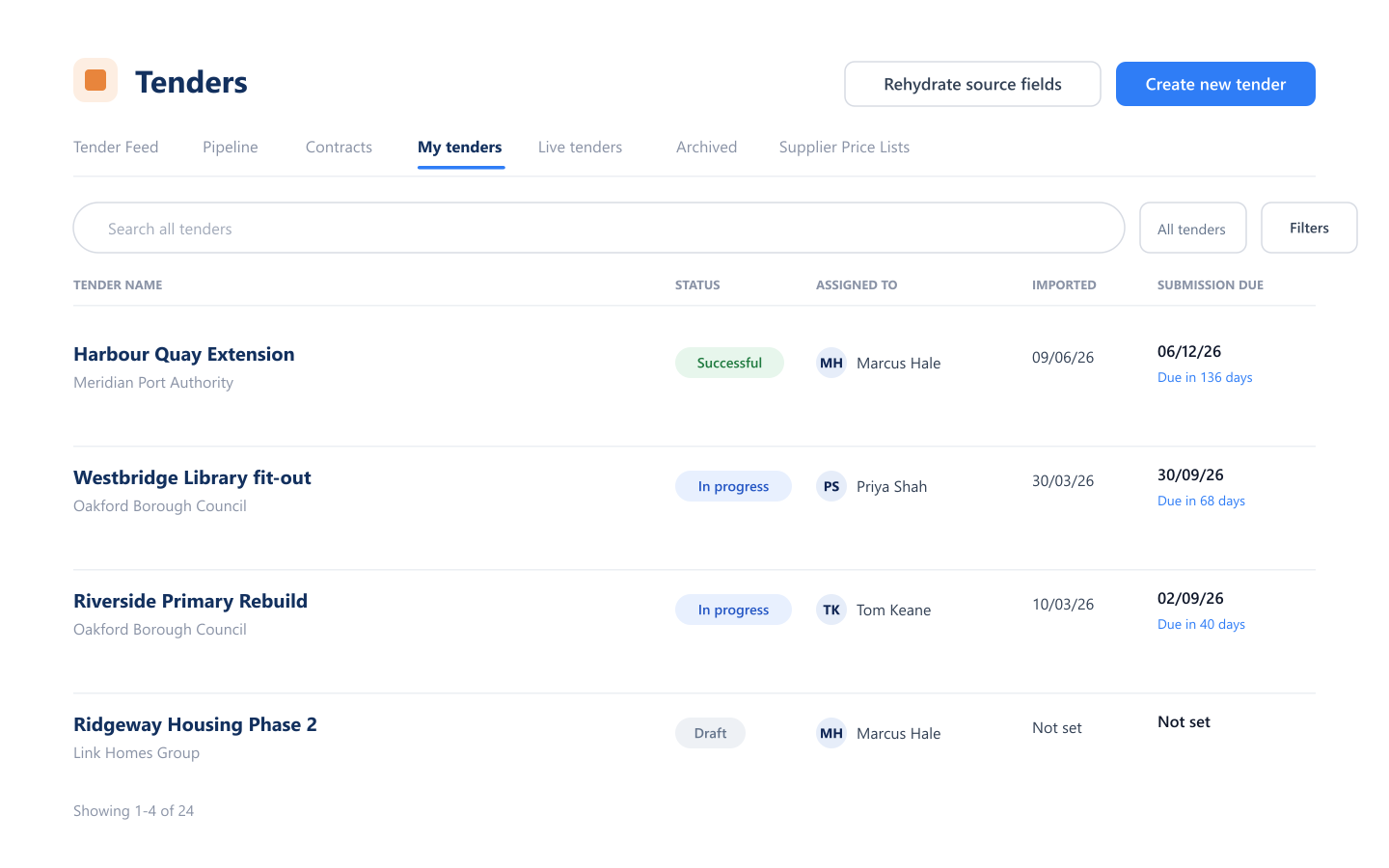
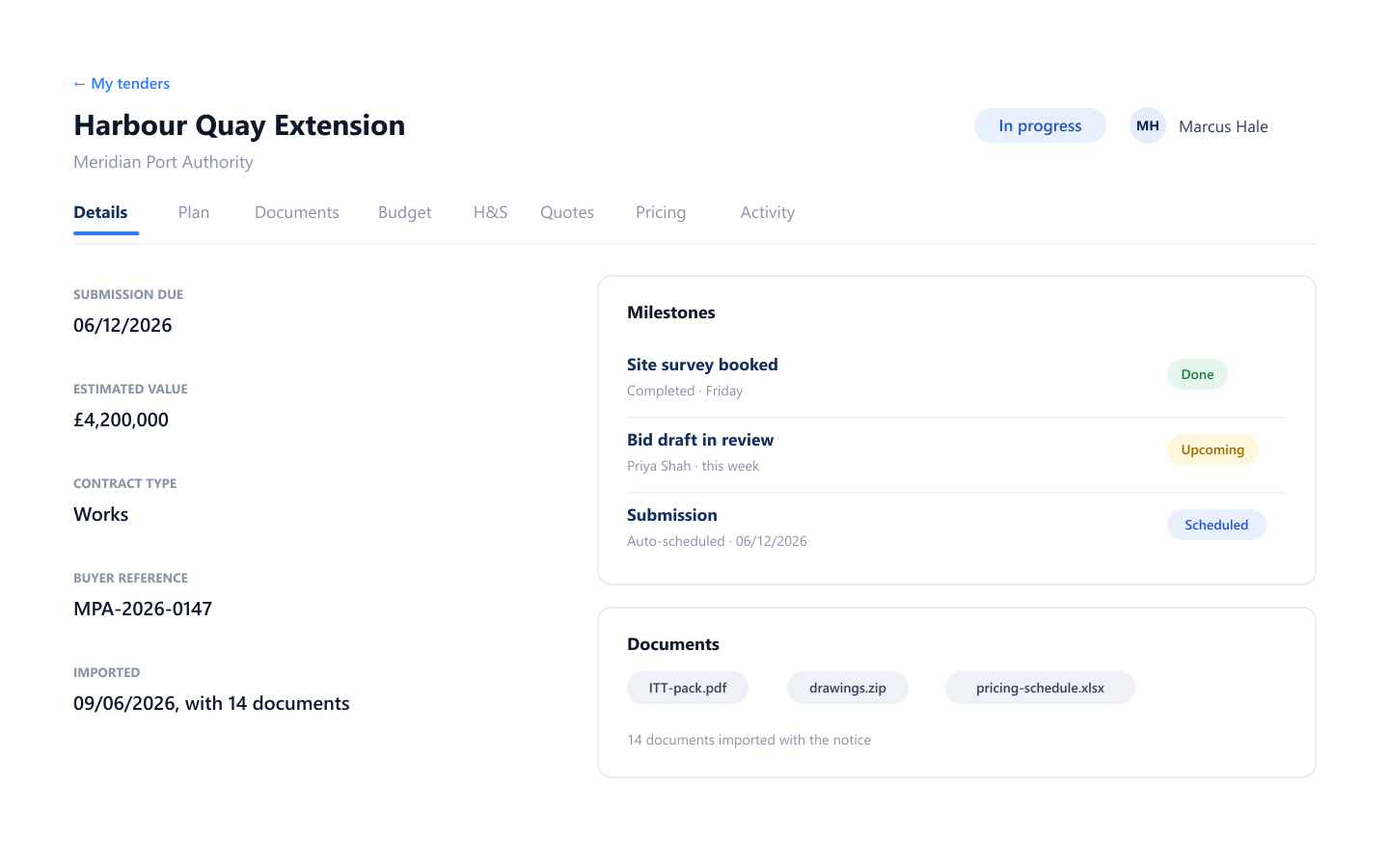
A tender you win becomes a live project, carrying its budget, programme and paperwork with it. Nothing gets re-keyed between the bid and the first day on site.
- Live tender feed, filtered to your sectors and value bands
- Won bids convert straight into a project record
- Reminders for deadlines, renewals and valuation dates



Built for builders.
Ready on site.
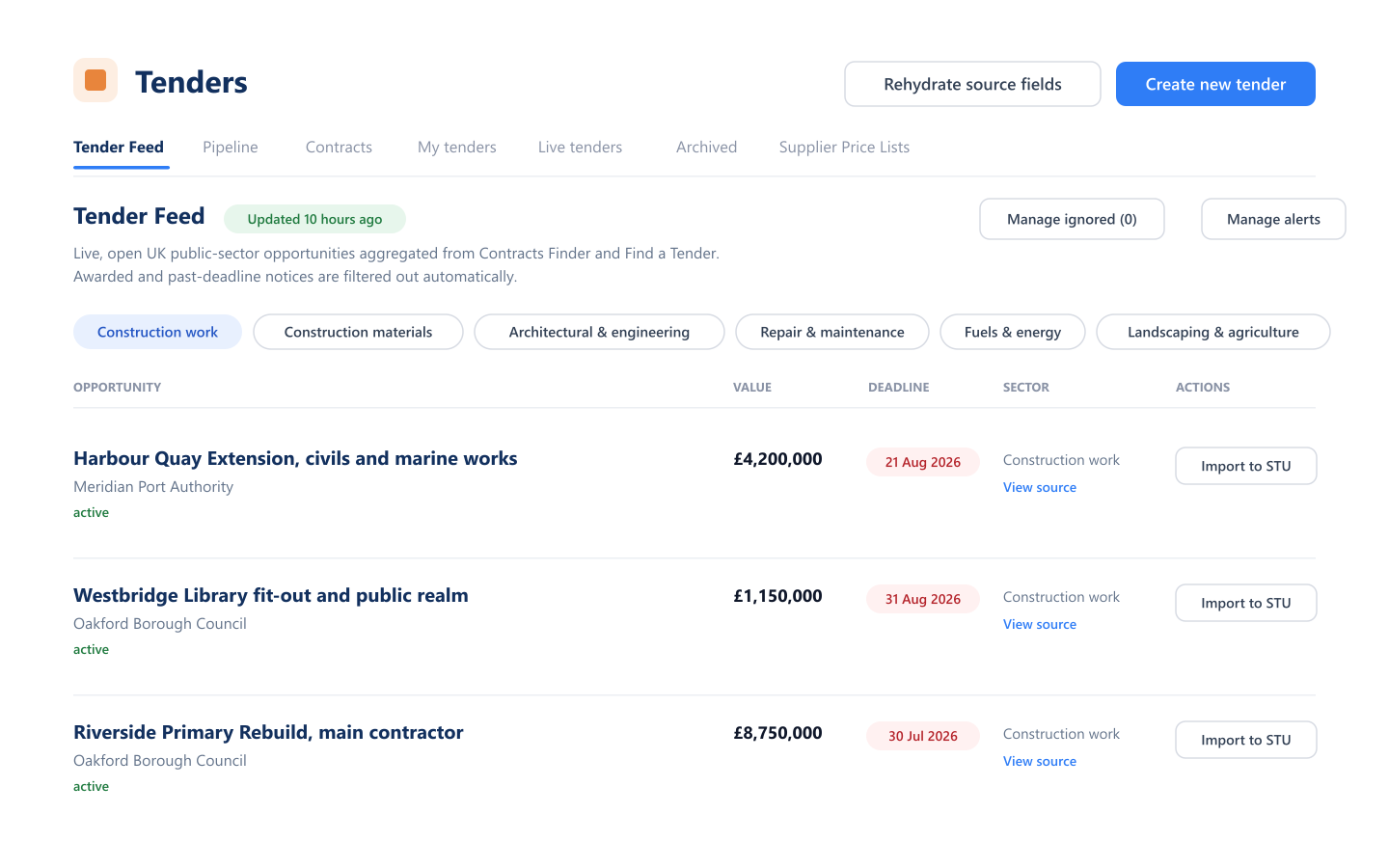
Hours, plant checks and site issues get filed from the job, not remembered back at the office on Friday. On the desktop when you're planning, in your pocket when you're on the tools.
- Log hours from the site gate
- Plant and vehicle checks in seconds
- Raise a site issue with a photo attached



One platform, from first tender to final account
The jobs an SME builder is juggling every day, in one place. No modules to untangle, no training week required.
Tenders
Live public-sector notices, filtered by sector and value, so you spend your time pricing the work you can actually win.
Projects
Pre-live checks through to close-out, with programme, costs and paperwork held against the job instead of scattered across inboxes.
Know a job is drifting while you can still fix it
Live reports turn site and cost data into decisions: labour, plant, spend against budget, fuel and emissions, every view dynamic and ready to export in a click.
Give the site team something they'll actually use
Timesheets, plant checks, site issues and photos, filed from the job on a phone. The office stops waiting on a folder of paper coming back at the end of the week.
- A secure mobile app for site teams and managers
- Log hours, checks and issues from the job, in seconds
- Role-based permissions keep commercial data commercial

Questions, answered
How long does it take to get set up?
We set it up with you: your projects, people, suppliers and pay rules imported from whatever you keep them in today, usually spreadsheets and a CSV export from your accounts package. You start with the modules that hurt most and add the rest when you're ready.
Does STU replace our accounts package?
No. STU tracks purchase orders, invoices, timesheets and expenses against each job so you can see project costs as they land, then hands the figures over to your accounts package. It sits alongside it rather than replacing it.
Is our data secure?
Data is encrypted in transit and at rest, hosted in the UK or EU, with role-based access controls and full audit logs so you can see who changed what. Ask us for our current certifications and data processing terms and we'll send them over.
Can the site team use it on a phone?
Yes. The STU app lets site teams log hours, complete plant and vehicle checks, raise site issues with photos, and pick up drawings and documents, all protected by two-factor authentication. It is built for people wearing gloves, not sitting at a desk.
What if we already use other software?
Most firms come to us from a mix of spreadsheets, a hire portal and an accounts package. Tell us what you're running and we'll be straight with you about what STU would replace, what it would sit alongside, and what it would not do.

See it against your own jobs
Tenders, projects, health & safety, plant and accounts in one place, with the day-to-day admin handled for you.
- A walkthrough using the kind of work you actually do
- Straight answers on what it would cost your team
- Setup and data import handled with you

No sales pitch · No commitment · UK-based team